

Sheets cut to size, built in 3D.
Customers build their glass, acrylic or mirror sheet in 3D: thickness, shape, size, edge, cut-outs and drill holes, within the rules of the material and with the price adding up as they go. Every order arrives with cut sheets, labels and files for your workshop.
In 3D, before they buy
Customers build the sheet they need
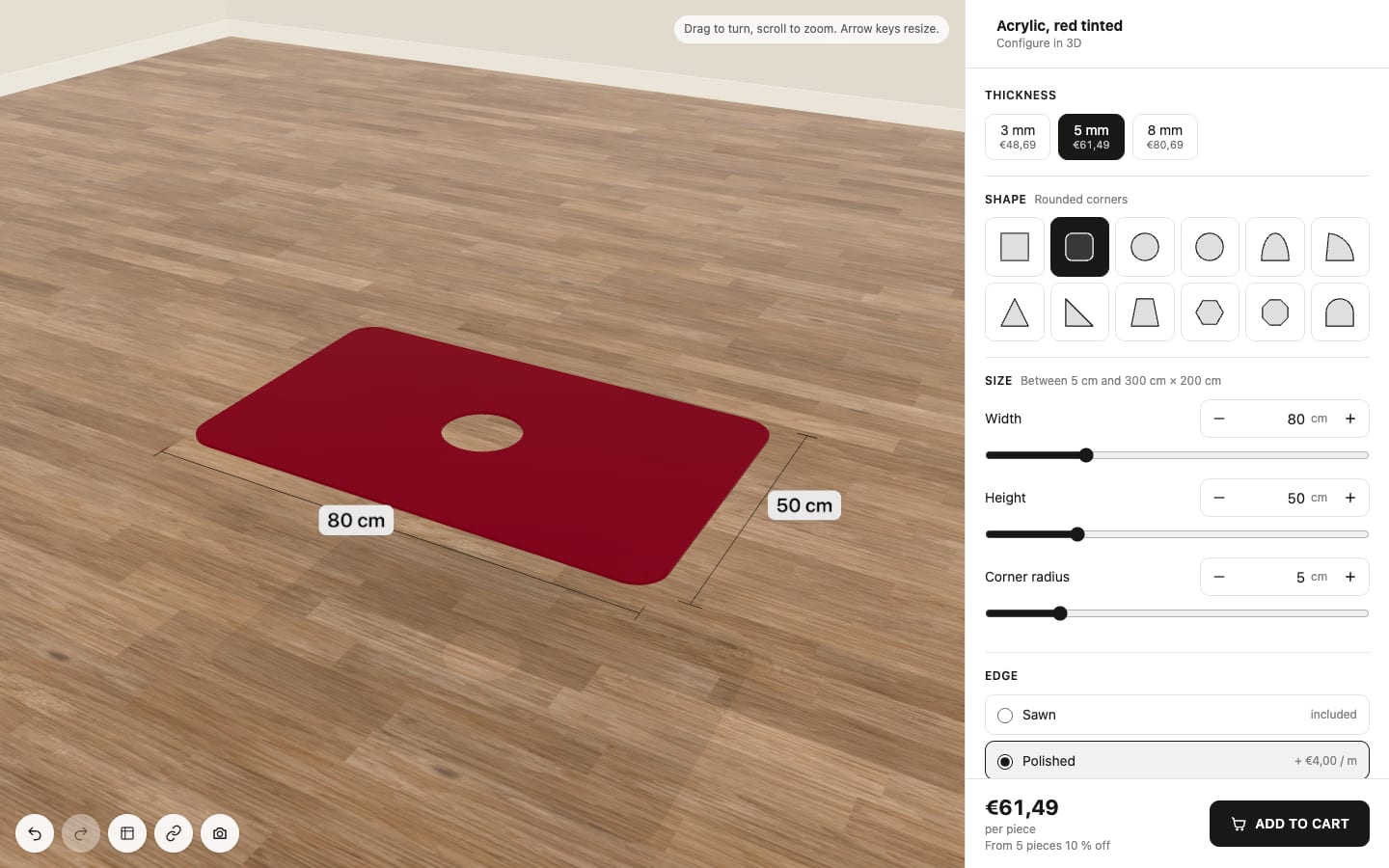
A Configure in 3D button on the product page opens a small room with the sheet in it. Customers pick thickness, shape and size and watch the sheet change, with its measurements drawn on. They turn it, zoom in and check every edge.
- Thickness, shape, size, edge, cut-outs and drill holes
- Your colours and a room that suits your store
- Cut sheets and machine files for every order
Rules for each material
Pieces that can be made
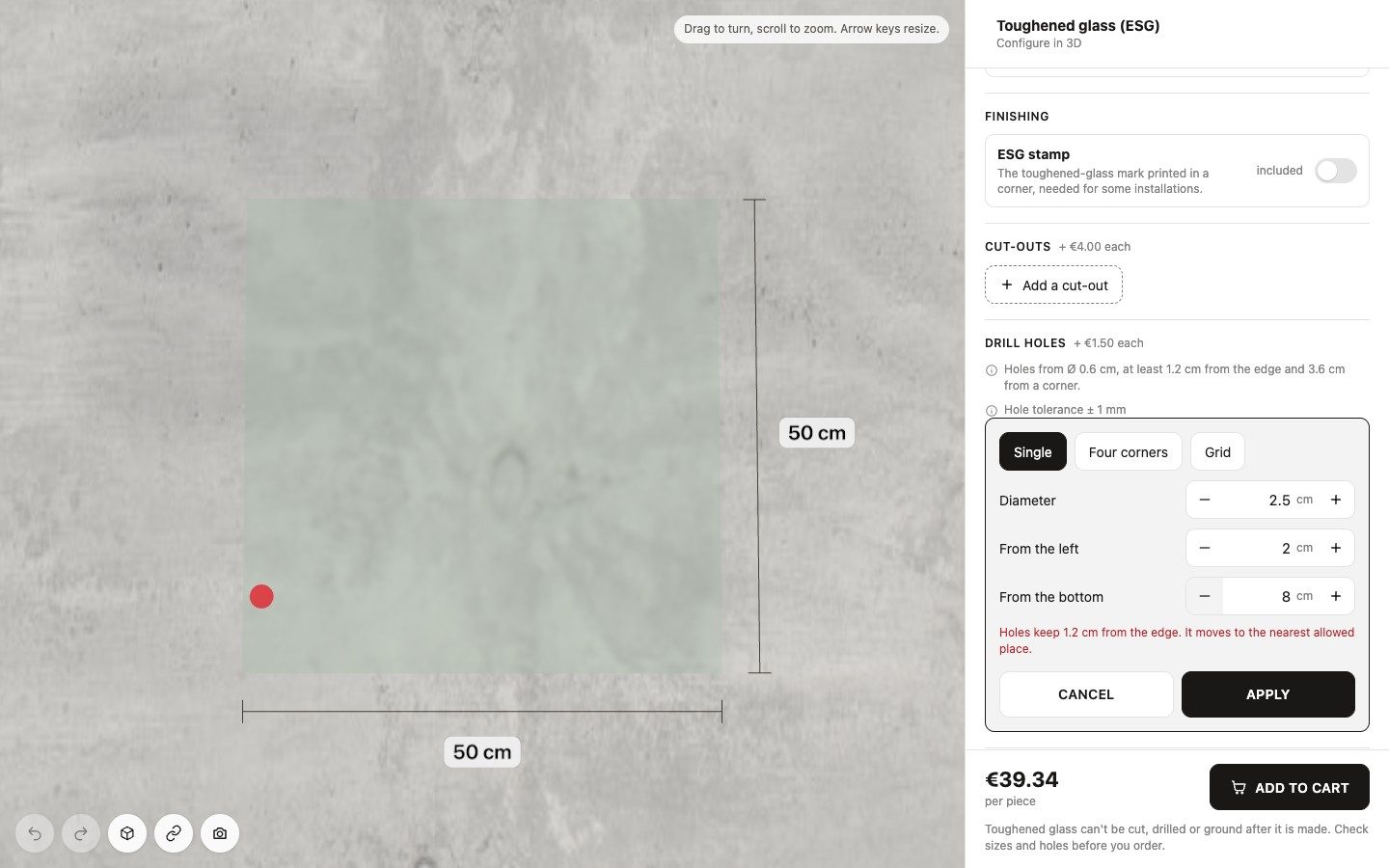
Each material keeps its own rules. For toughened glass the configurator follows EN 12150-1: a hole at least as large as the glass is thick, set distances to the edge, to other holes and to corners, and holes only from 4 mm glass. Plastics keep their hole distance, and cut-outs keep the smallest corner radius the edge allows. A hole or cut-out that breaks a rule turns red and moves to the nearest allowed place.
- Tolerances per edge and per thickness, shown to customers
- Toughened glass that needs your check: a notice, or no order until the customer asks you
- Your store checks every rule again before it prices a piece
A live price
A price for every option
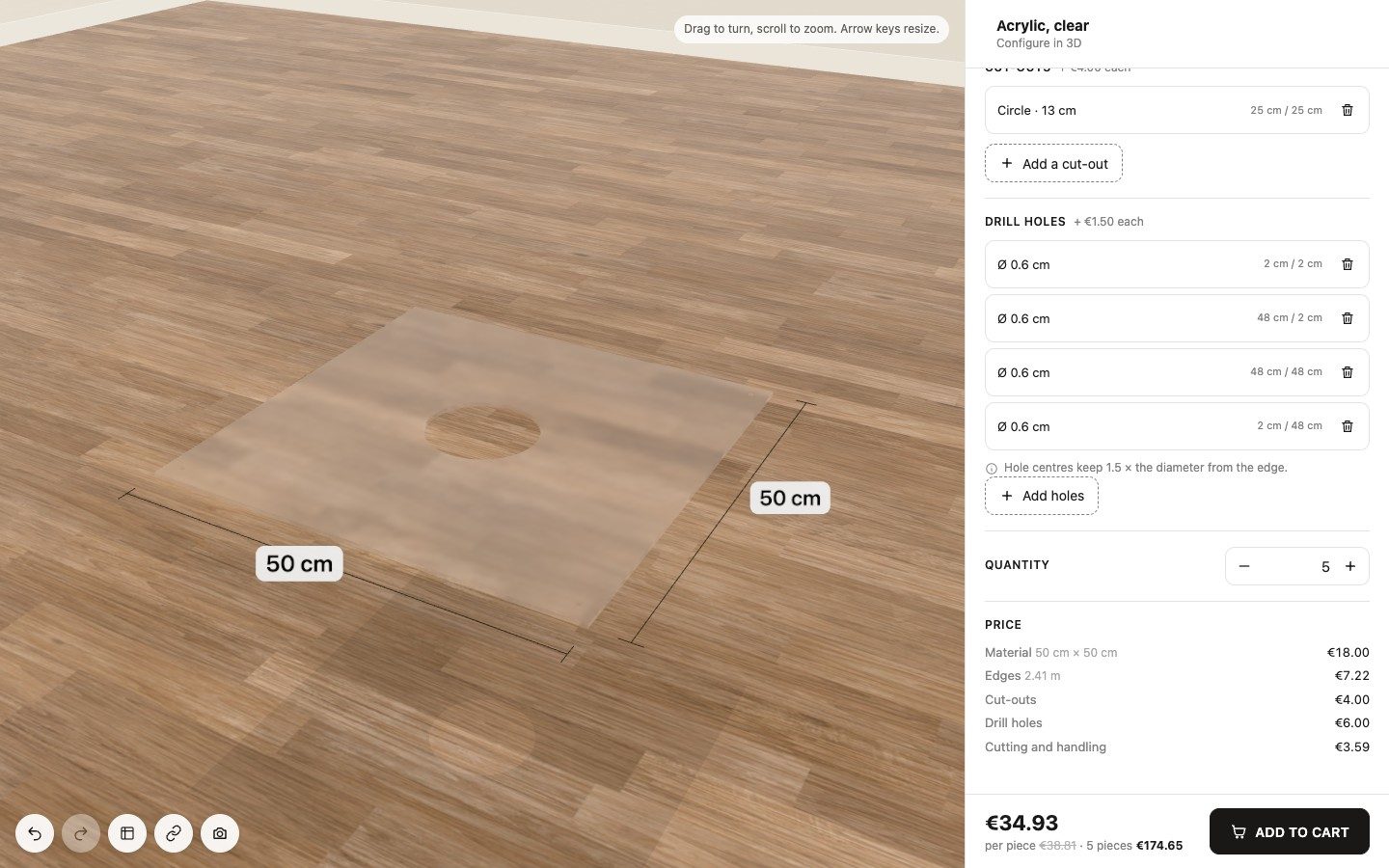
You set a price per m² or per running metre for each thickness, a base fee per thickness and a price per metre for each edge, also by thickness. Cut-outs are priced by type and size, drill holes by diameter. Customers see every part of the price as they build, and the cart takes exactly that price.
- Shape surcharges, a minimum billed area and a surcharge for large pieces
- Quantity breaks, a minimum price and rounding
- Cut-outs and holes placed by measurement or by dragging
Products in minutes
Presets and product pictures
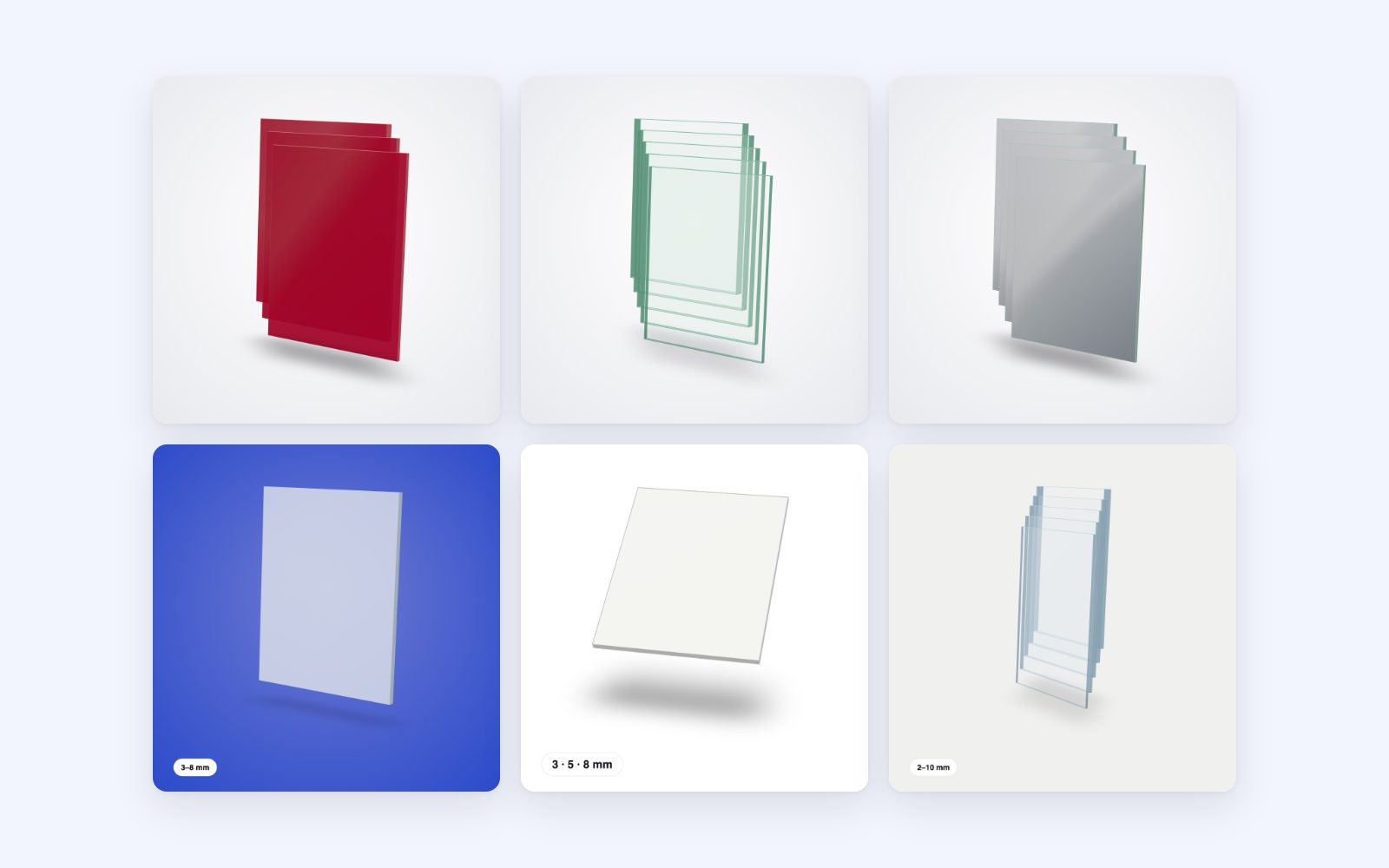
Start from a preset and the product comes with its edges, extras, sizes, rules and suggested prices you can change. The product creator sets up several products at once, with every price and Apply to all. Each product gets a picture made from the 3D sheet, the same look across your range. Your own photos stay.
- Acrylic
- Polycarbonate
- PVC
- Aluminium composite
- PE-HD
- Float glass
- Low-iron glass
- Toughened glass
- Shower glass
- Kitchen backsplash
- Mirror
- Acrylic as extruded, cast, opal, opaque, frosted, tinted and mirror
- Picture style: background, angle, shadow, every thickness, a thickness chip
From order to workshop
Files for workshop and machines
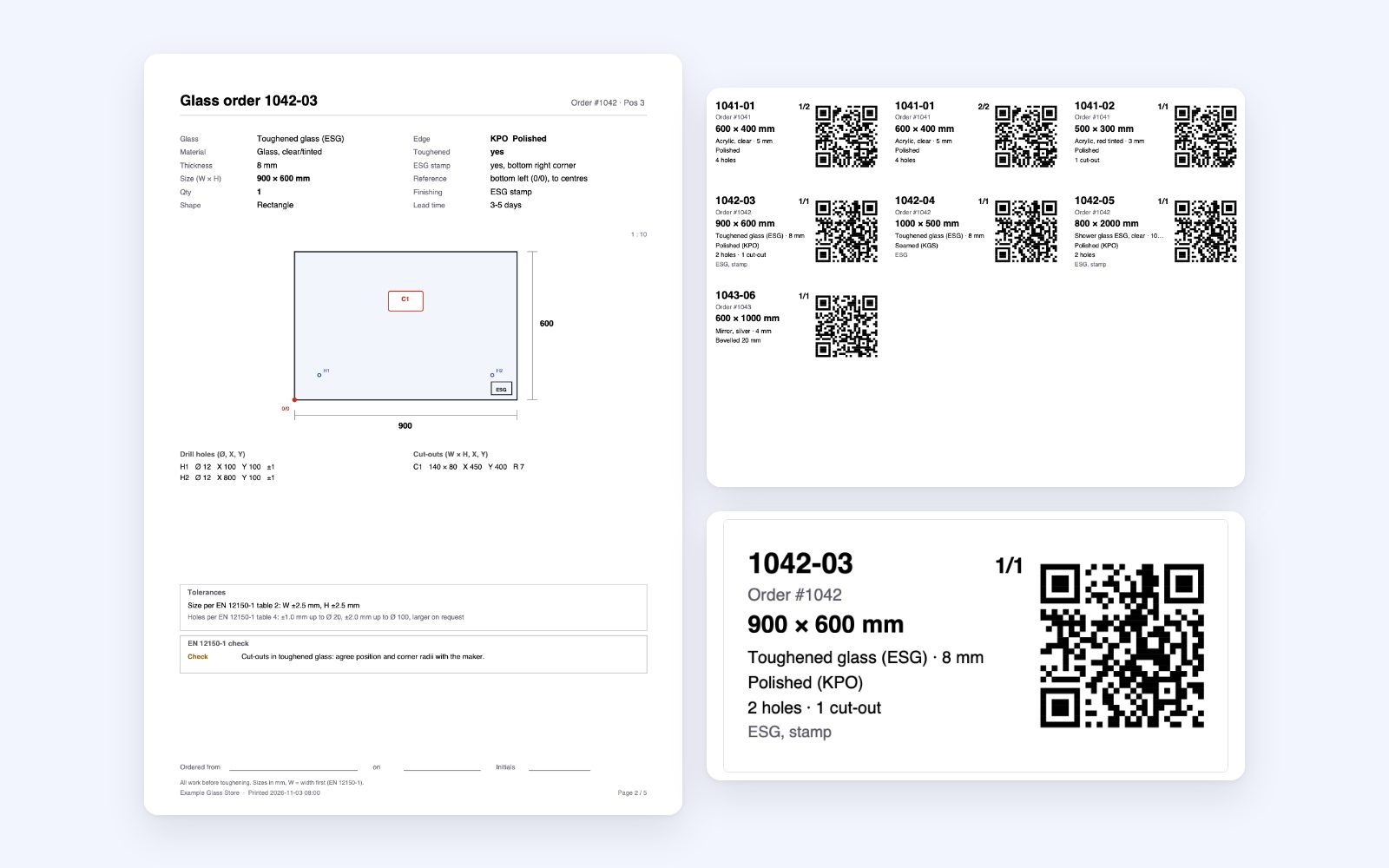
Every order lands in the app's Orders area, each piece drawn to scale with its cut-outs and holes. Download cut sheets, a glass order sheet with DIN 1249-11 edge codes and the EN 12150 checks, piece labels with a QR code and cut lists with totals. DXF files keep real arcs, for CNC, laser and waterjet.
- Labels on
A4sheets of 3 × 8 or as100 × 50 mmthermal labels - Parts lists for cutting optimisers with grain, rotation and edges, a machining list, CutRite PTX
- One DXF per piece or per material, laser files with red hairlines, layer templates for woodWOP and SCM Maestro
How it works
Three steps to sheets cut to size
Install
Add Mercurio: 3D Glass Cut to Size from the Shopify App Store. Start free or try any plan for 30 days.
Set up your products
The app reads the thickness from your variants. Or start from a preset and let it create products for each material with their thicknesses, prices and pictures, several at once.
Switch on
One click in the theme editor adds the Configure in 3D button. Customers build their sheet and buy it.

Ready to sell sheets cut to size?
Mercurio: 3D Glass Cut to Size is coming to the Shopify App Store. Read how it works, or write to us and we'll show it in your store.