

The right country, one click away.
Visitors who land on another country's page get a short popup with their country, currency and language. One click switches them through Shopify Markets, and your store remembers the choice for their next visit.
The right store, one click
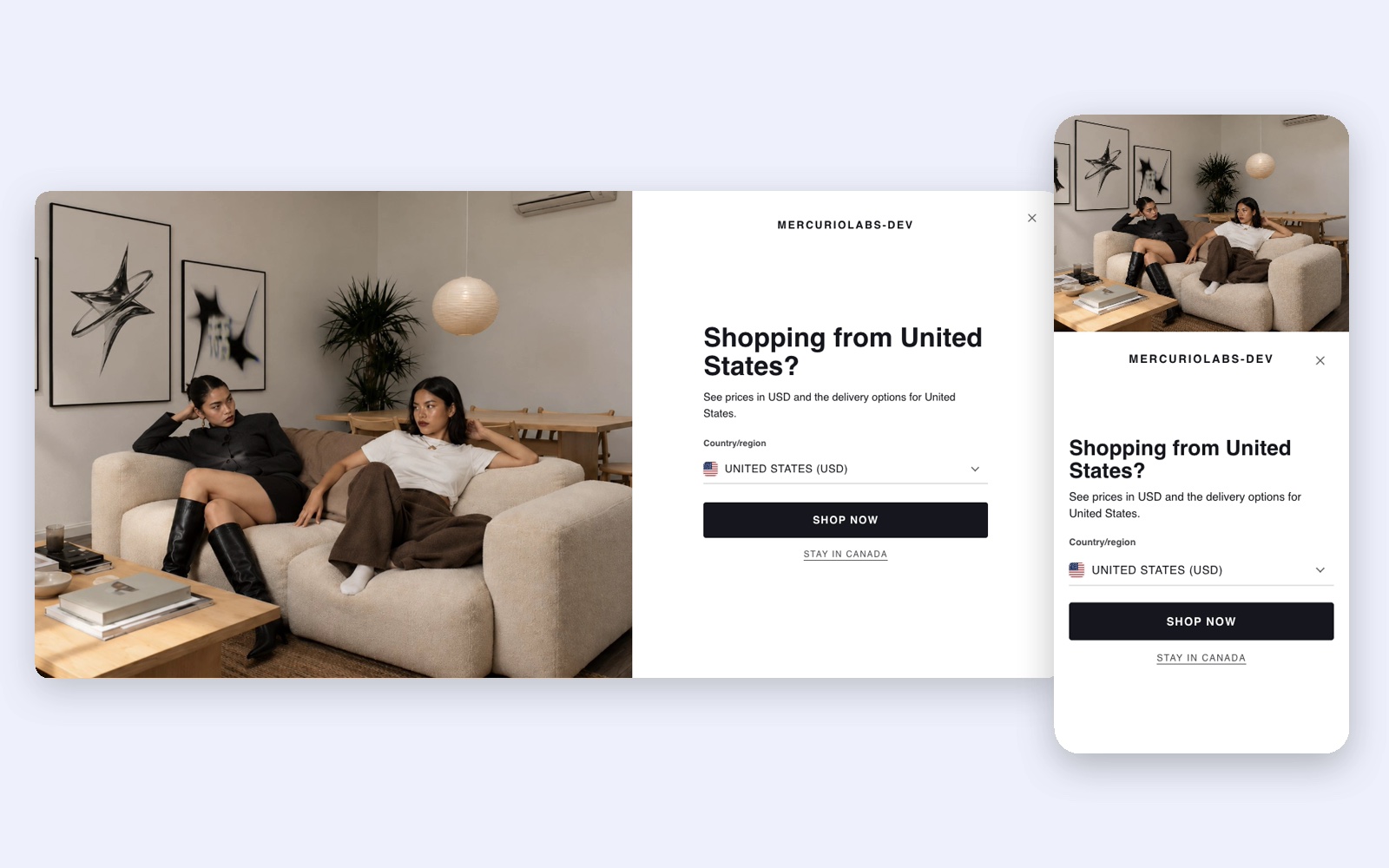
A popup for visitors from another country
A visitor from the United States lands on your Canadian page. The popup names their country and currency and offers to switch. One click goes through Shopify Markets, so prices, currency, address and checkout follow the markets you set up.
- The choice is remembered: later visits switch by themselves, never the first one
- The page, campaign parameters (UTM) and discount codes go along
- Search engines and link previews never see the popup and are never redirected
Your look
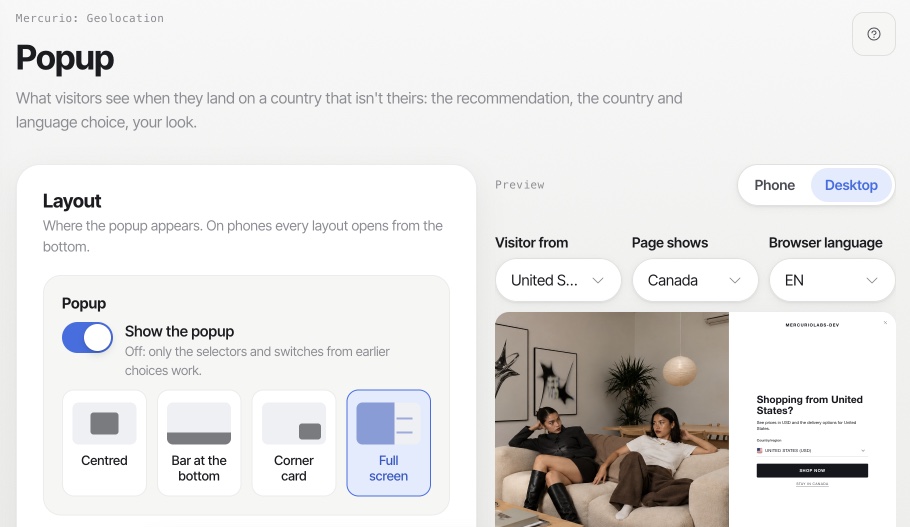
Four layouts, your texts
Full screen with a picture on the left or right and your store's logo, centred, a bar at the bottom or a card in the corner. On phones every layout opens from the bottom. A live preview shows the popup for any visitor country, page and browser language while you set it up.
- Your texts and colours; corners follow your theme's buttons
- Texts in many languages, or your own per language and per country
- Your own CSS, and pages where the popup never shows
Flag and selector
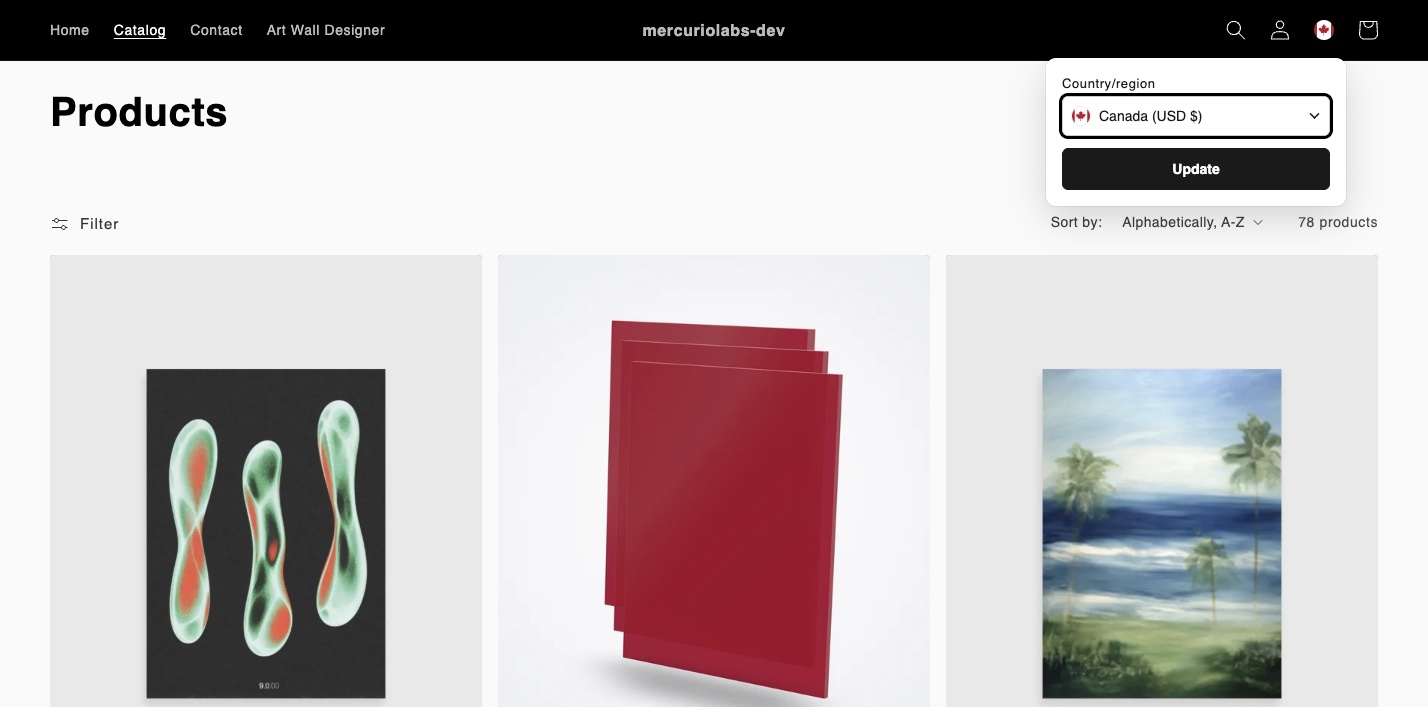
A flag in the header, a button in the footer
The header shows only the flag of the current country. A click opens a small panel with country and language. The footer button opens the popup in the layout you chose. The app places both for you, without editing your theme.
- The blocks
Country flagandCountry selectorfor a place of your own - Countries, currencies and languages read live from Shopify Markets, no sync
- Your own country names, a fallback country and your main countries on top
Your rules
When the popup asks, and when it doesn't
On the first visit, the popup shows to visitors from outside your primary market, only when the page shows another country, or as a welcome for everyone. Return visits switch back only in the same country, or always. It waits for your cookie banner and keeps away from the pages you name.
- Language rules for stores with more than one language
- Other stores and domains per country, Klaviyo and the GA4 linker
- Anonymous insights: popups shown, switched and closed, per country and from → to
How it works
Three steps to the right country
Install
Add Mercurio: Geolocation from the Shopify App Store. Start free or try a paid plan for 14 days.
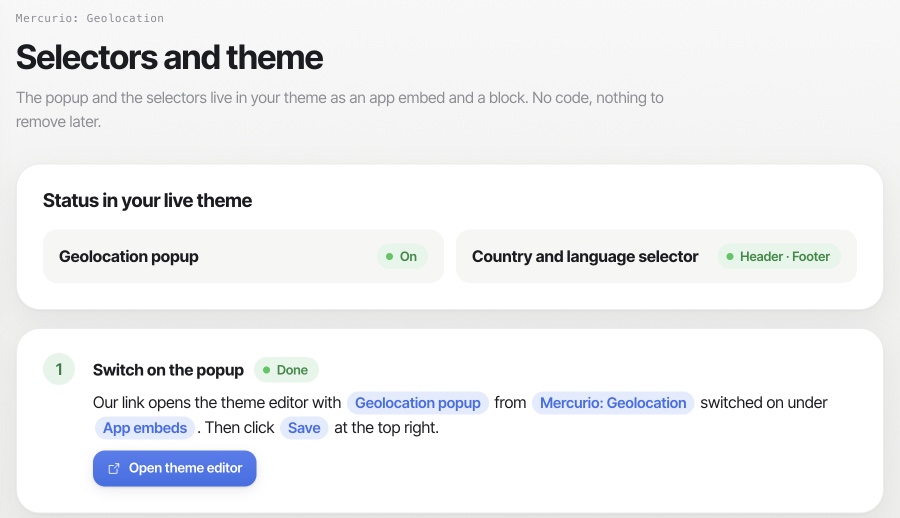
Switch on
One link opens the theme editor with the popup switched on. Press Save. The flag and the footer button follow without theme editing.
Make it yours
Choose a layout, your texts and colours, and your rules. Countries, currencies and languages come from your Shopify Markets.

Ready to welcome every country?
Mercurio: Geolocation is coming to the Shopify App Store. Read how it works, or write to us and we'll show it in your store.